How to reuse a video as a template or series in YakVid
Keep a video's structure, look, cast and sound, and get new copy for each brief or page. Automations can draft new episodes for you; nothing publishes without a person.
Before you start
- A YakVid account
- A video you want to reuse
Plays silently with captions; the narrated version is on its way.
Transcript
Make the next video in the same shape, with new words.
In the Director, open Cost so far and select Save as template. Tick Series to keep episodes together.
On Templates, select Make another, paste a page URL or describe the goal, and make the draft.
Steps
Save a template ▶ 0:05
Open a video, expand Cost so far, and select Save as template. Tick Series to keep every episode in the same campaign.
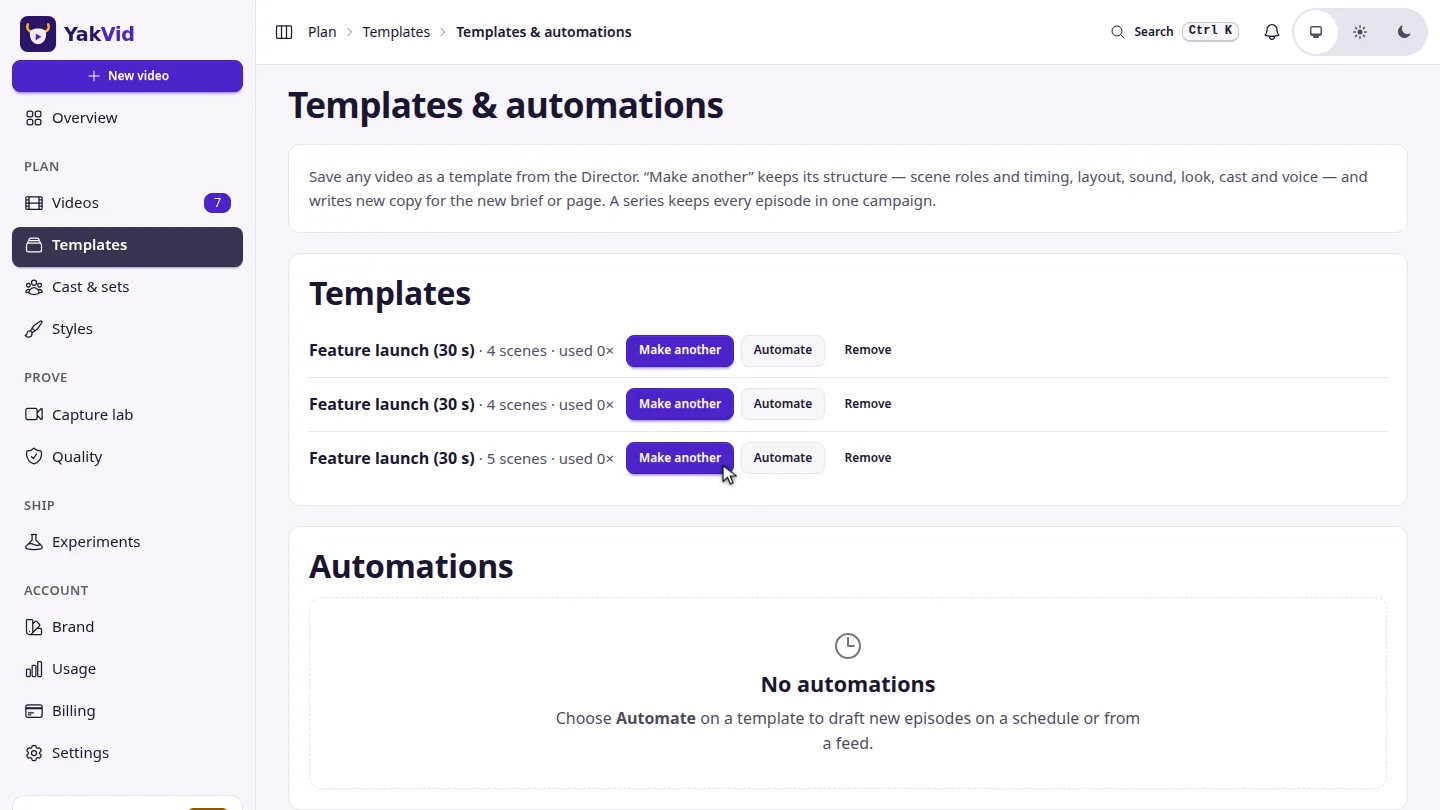
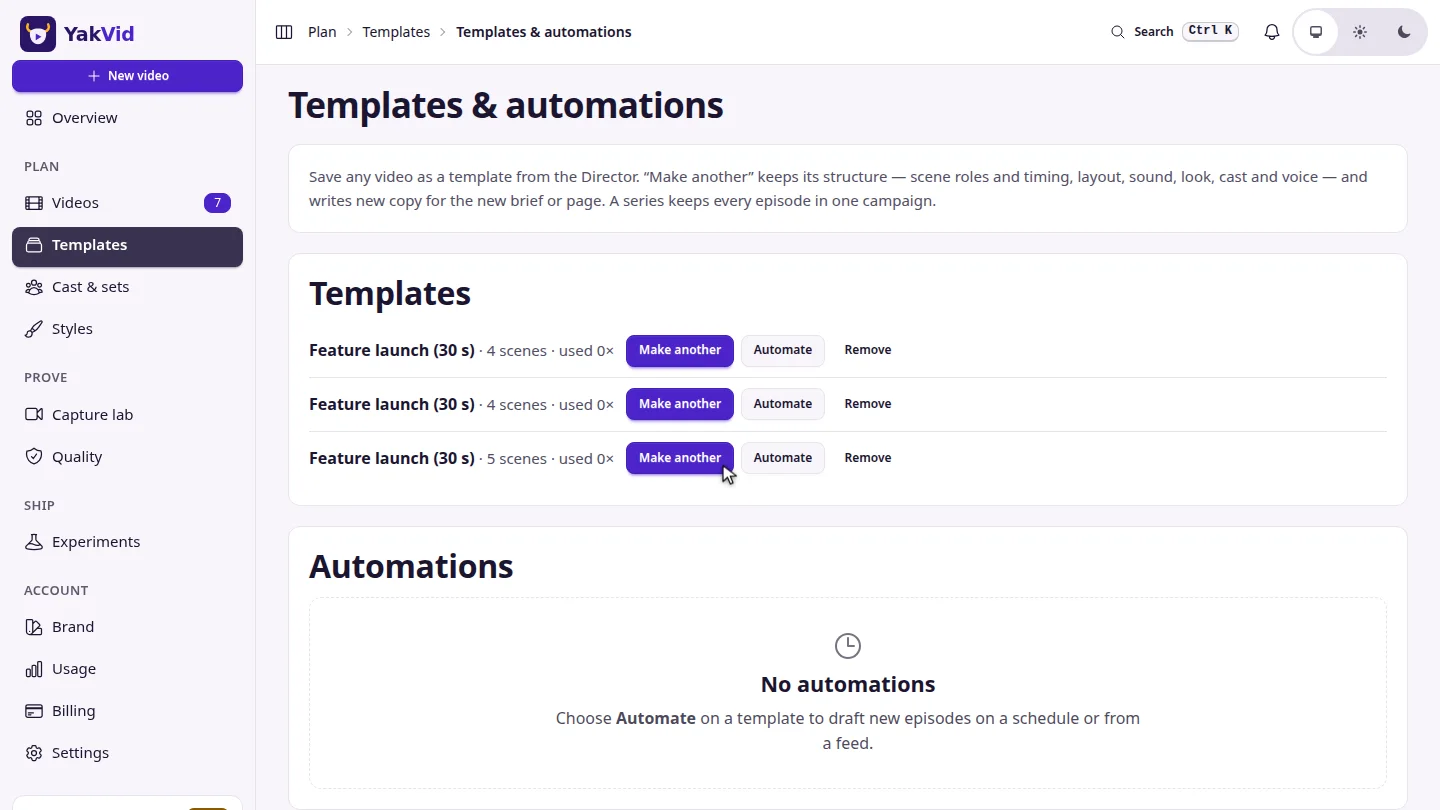
Make another ▶ 0:12
Select Make another, enter a page URL or what the video should achieve, and select Make the draft. Select Automate to draft episodes on a schedule or from a feed.
Next steps
Updated 2026-11-06
video template video series automation url to video reuse video