How to record your app with the YakVid local companion
The local companion records localhost and private staging apps on your own computer. It connects out to YakVid, never opens a port, and your sign-in details stay on your machine.
Before you start
- Node.js 22 or later
- An llm-video-recorder checkout
- Permission to run screen automation
Plays silently with captions; the narrated version is on its way.
Transcript
Record your own app on your computer and send the take to YakVid.
Name your computer and select Pair a computer. Run the command it shows in a terminal.
Open an approved recipe and select Record on my computer.
Steps
Pair your computer ▶ 0:06
Select Pair a computer, then copy and run the command YakVid shows. It already contains your pairing code (
CODEbelow) and your YakVid address (YAKVID_URLbelow):node yakvid-agent.js pair CODE --server YAKVID_URL --recorder ~/llm-video-recordernode yakvid-agent.js run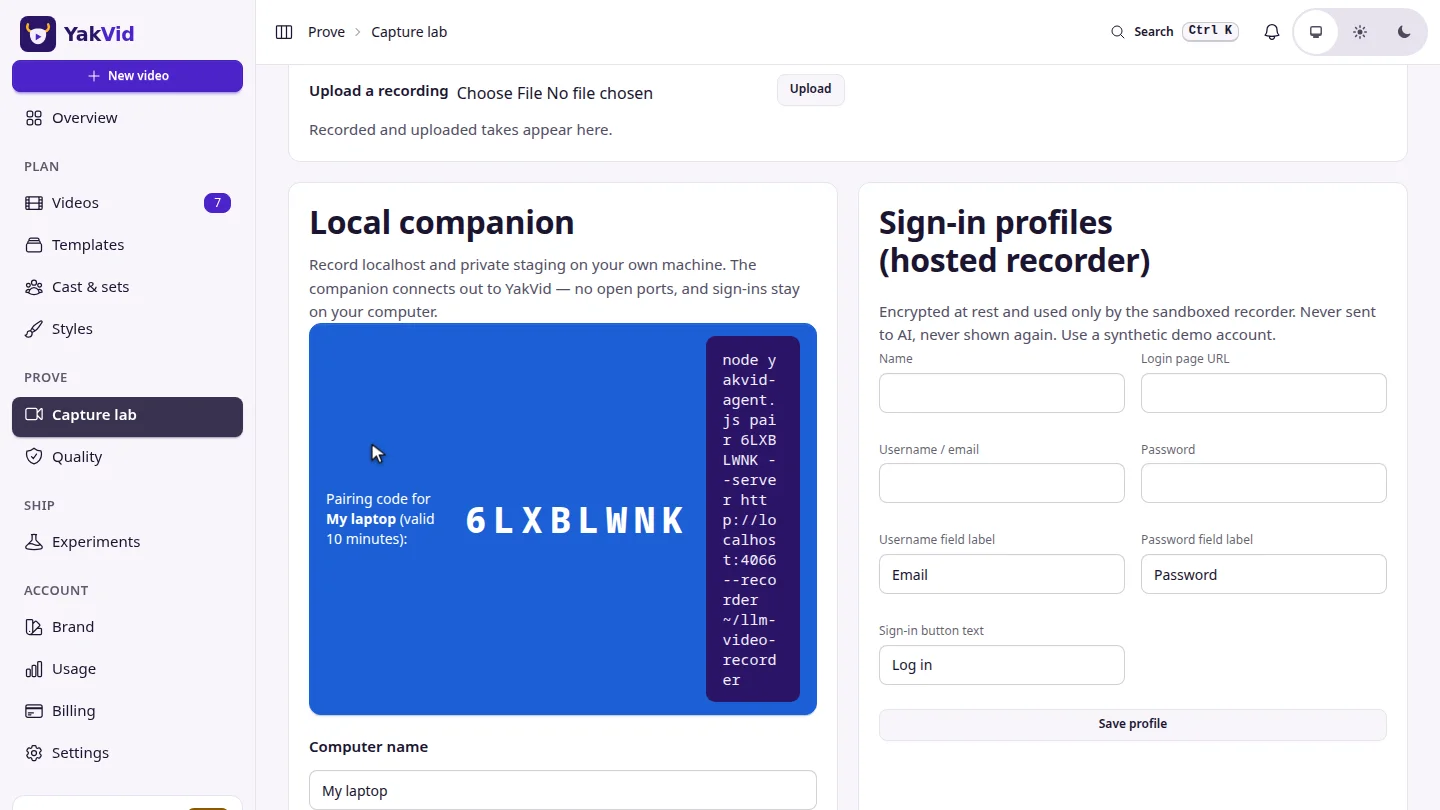
Record ▶ 0:12
Open an approved recipe and select Record on my computer. The take appears under Takes.
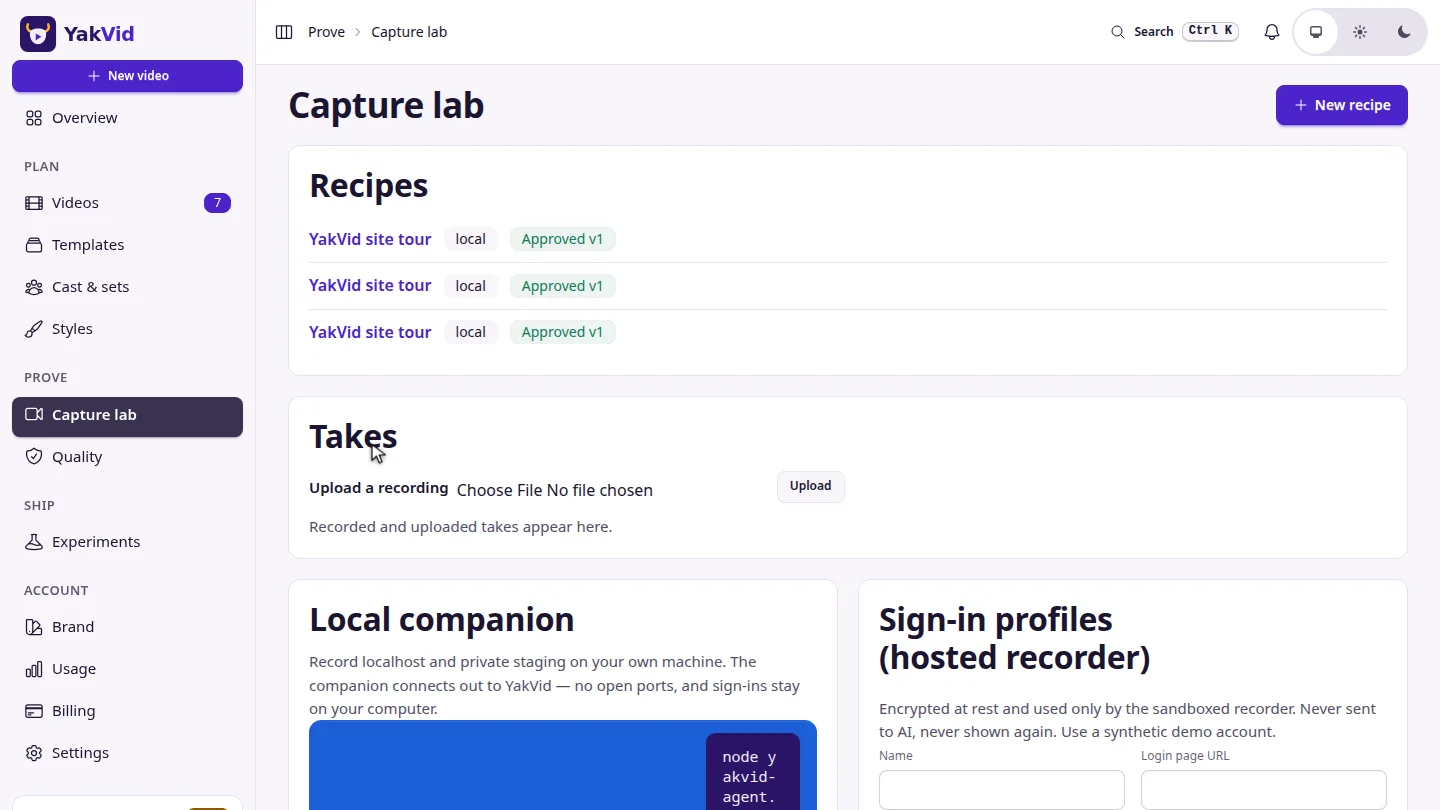
ResultThe take appears under Takes with one section per recipe section, ready to attach to a scene.
Next steps
Updated 2026-11-06
screen recording localhost staging companion puppeteer